Codex Skin Lab desktop client

A simple way to change your Codex theme.

Browse themes, manage your collection, and make your own in one desktop app.

Free downloadmacOS and WindowsSimple to use
Codex Skin Lab
Dark Codex Skin Lab desktop client showing the Discover theme market

Meet the client.

Browse the theme market, manage saved themes, or create your own.

01Discover

Theme market

Browse and search the theme market. Preview a theme before adding it to your collection.
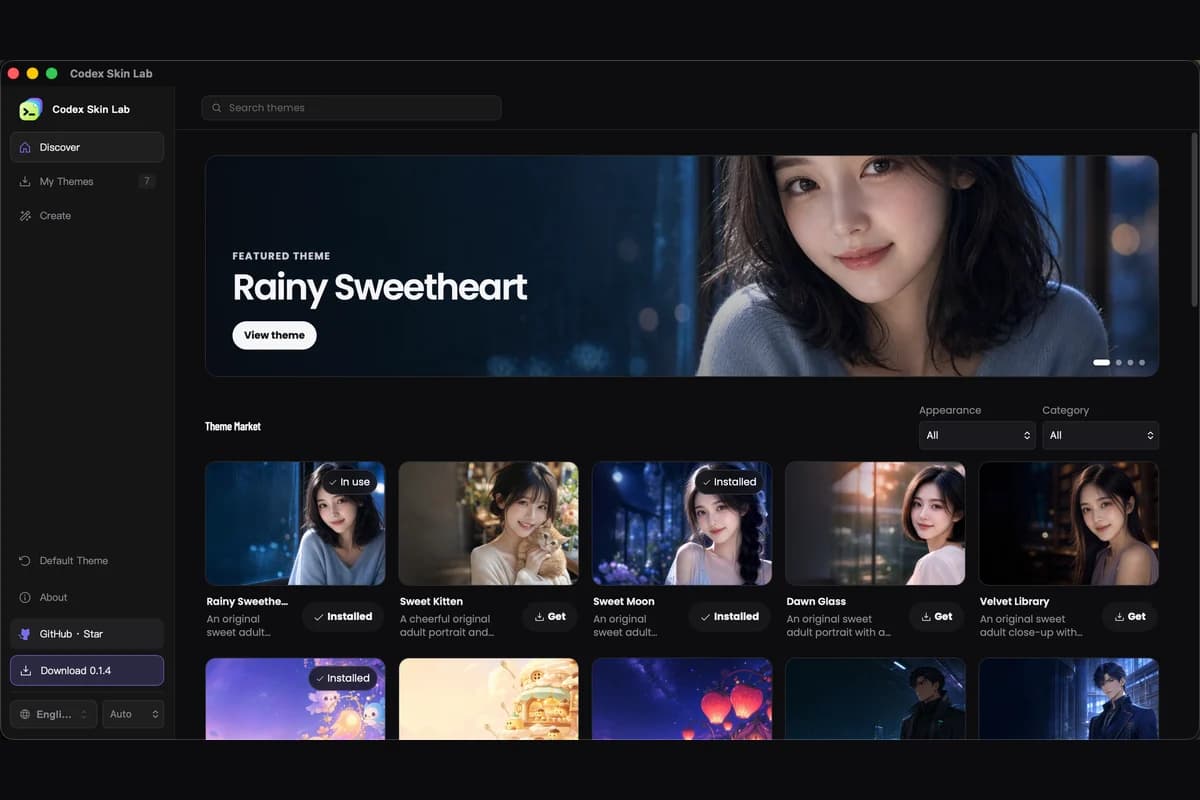
Dark Codex Skin Lab Discover screen with search, featured theme, filters, and theme cards
Discover · actual dark client
02My Themes

Your theme collection

View your saved themes, see which one is active, and switch themes from the client.
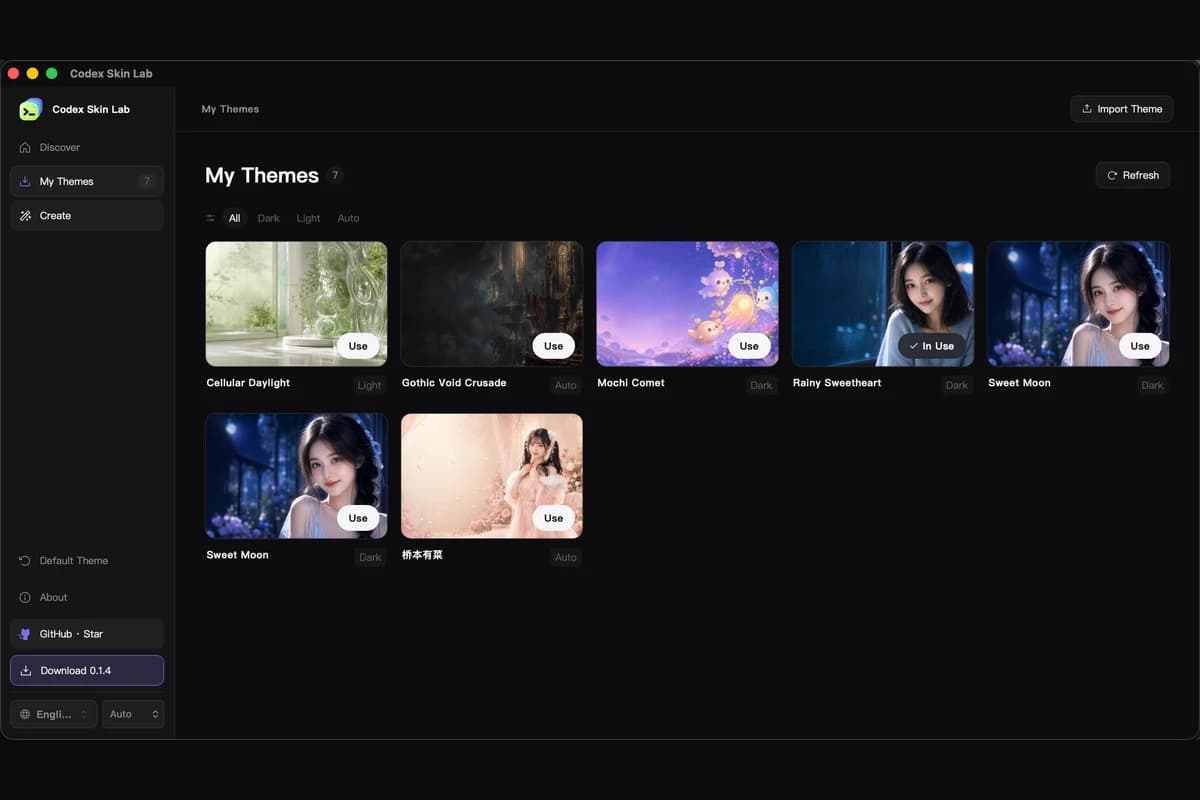
Dark Codex Skin Lab My Themes screen showing installed themes and the active theme
My Themes · actual dark client
03Create Theme

Theme creator

Choose an image, adjust the settings, and preview your theme as you make it.
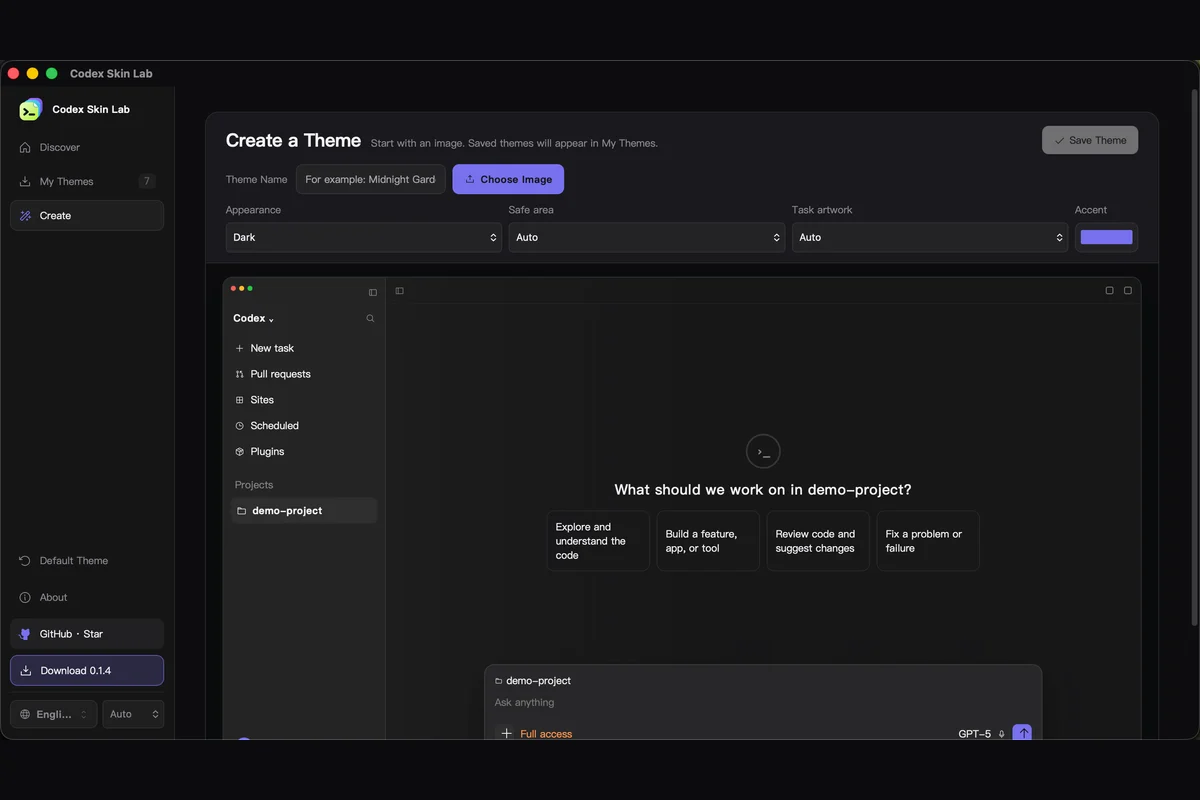
Dark Codex Skin Lab Create Theme screen with controls and a live Codex workspace preview
Create Theme · actual dark client

Free Codex Dream Skin themes, ready to download.

Preview the artwork and settings, then download the complete ZIP. No account or payment required.
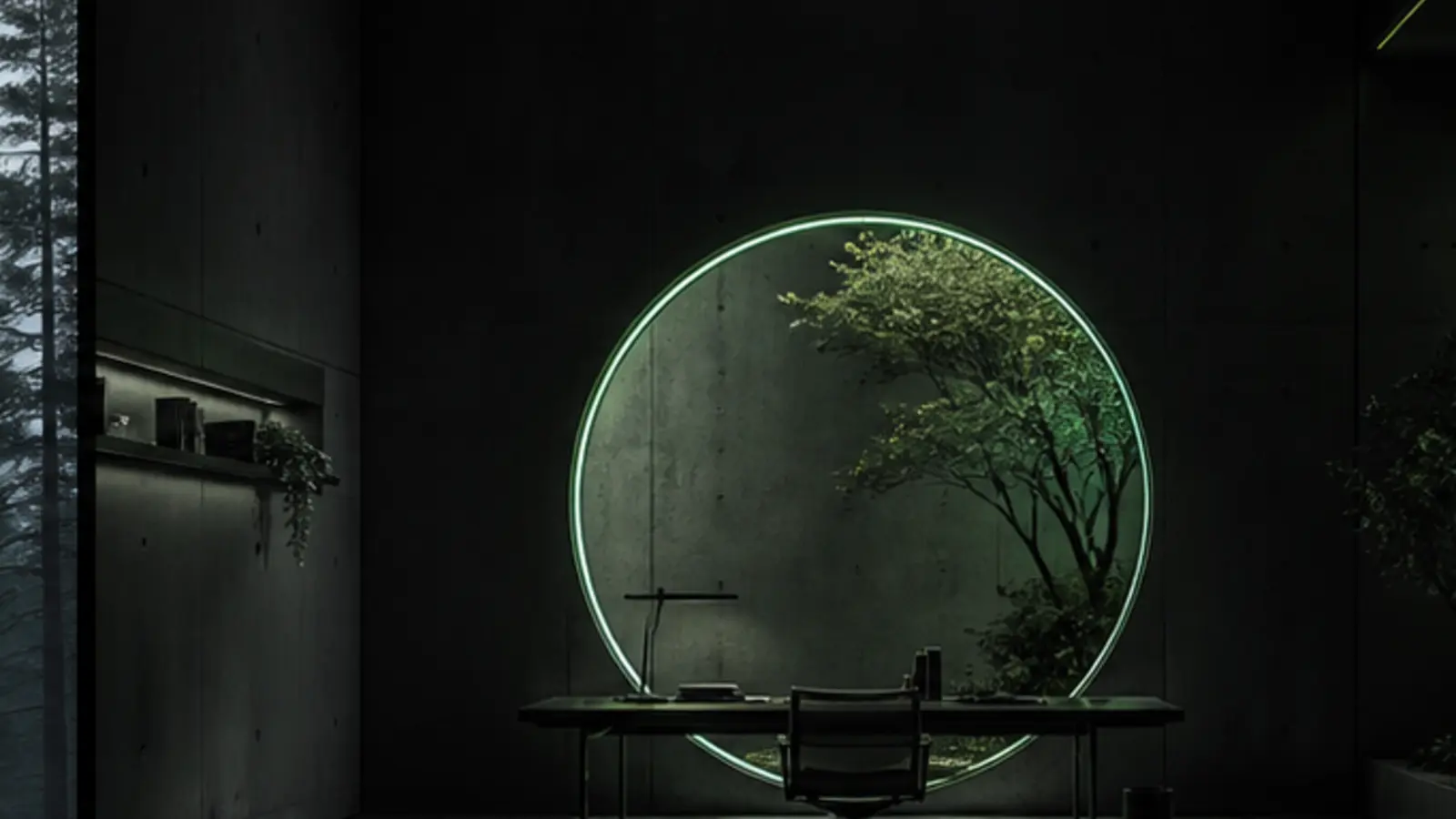
Adjust your theme.

100% local processingImages are never uploaded, stored, or sent to a server. Supports PNG, JPEG, and WebP.
Theme appearance
Portal Studio abstract workspace background
Codex⌘ K   ···
Portal Studiodark · auto · ambient
⑂ main

Make this workspace calm and easy to read.

I’ll change the background and colors without covering the Codex controls.

Checked theme configurationtheme.json · Portal Studio
Ask Codex to build, review or explain...
Local  ·  GPT-5
Choose artworkStart with a theme or use your own image
Choose from themes

Open any theme and choose Edit in Studio to bring its artwork and colors here.

Current skinPortal Studio

Using theme artwork. You can still tune its colors and focal point.

Focus only affects a cropped direction. When the image fits the preview height, vertical movement may not be visible; the exported theme still saves the position.

Content safe areaDream Skin
Task backgroundDream Skin

Codex Skin Lab questions

A few details about the desktop client.

Read all questions
What is Codex Skin Lab?

Codex Skin Lab is a desktop client for browsing, managing, and creating Codex themes.

Is it easy to use?

Yes. Open Discover, My Themes, or Create Theme and use the controls on that screen.

Where are my themes and images stored?

Themes and images used by the client stay on your computer.

Can I return to the standard Codex appearance?

Yes. Choose Default Theme in the client.

Browse free Codex themes.

Download a theme or make one with your own image.