Free Codex Dream Skin builder

Make a Codex Dream Skin theme from your image.

Set the appearance, image position, safe area, task background, and accent. Export the Codex Dream Skin ZIP for free. Your image stays in this browser, and you do not need an account.

Adjust your theme.
Your image is not uploaded to a server.

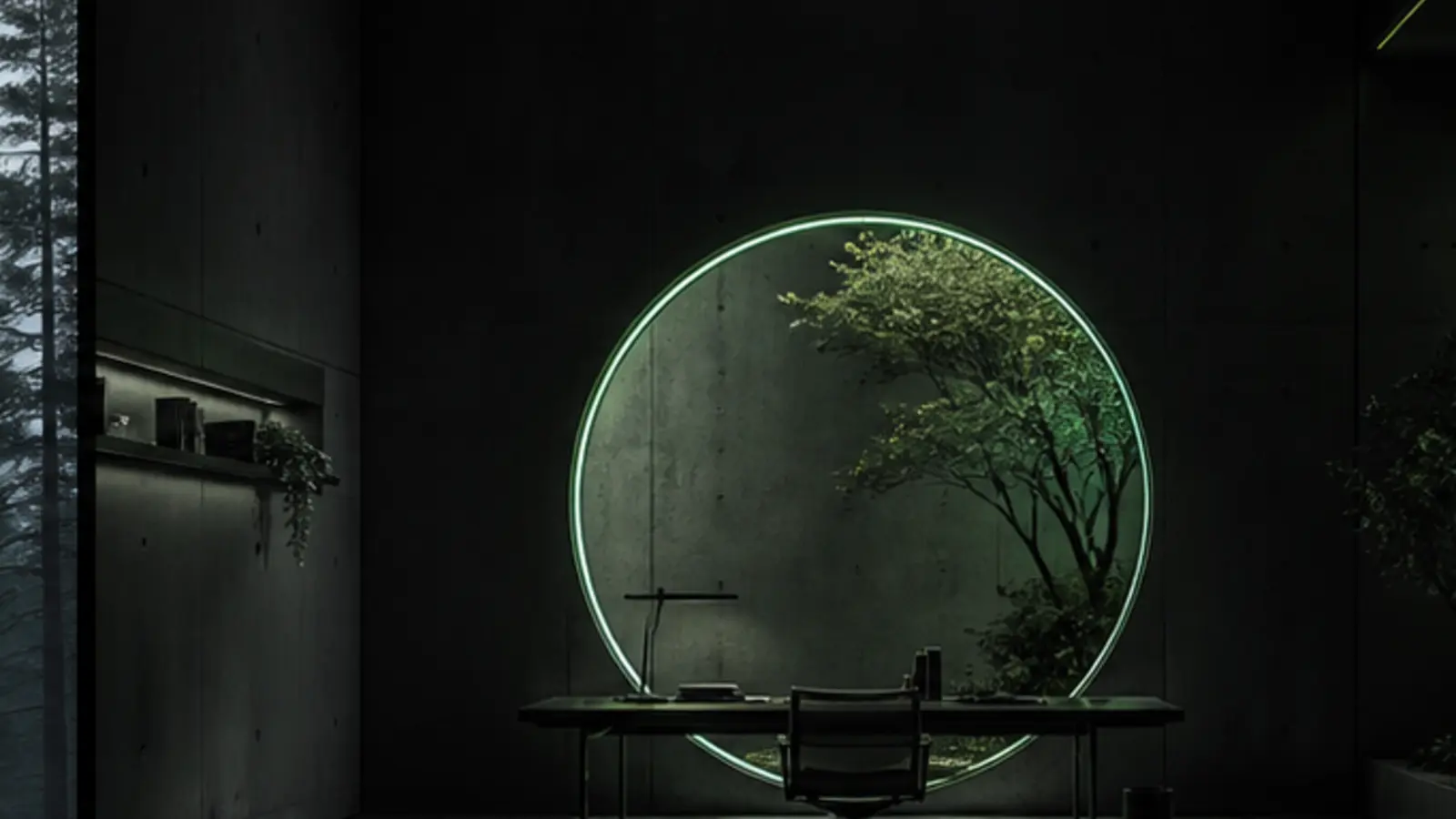
Portal Studio abstract workspace background
Codex⌘ K   ···
Portal Studiodark · auto · ambient
⑂ main

Make this workspace calm and easy to read.

I’ll change the background and colors without covering the Codex controls.

Checked theme configurationtheme.json · Portal Studio
Ask Codex to build, review or explain...
Local  ·  GPT-5
Choose artworkStart with a theme or use your own image
Choose from themes

Open any theme and choose Edit in Studio to bring its artwork and colors here.

Current skinPortal Studio

Using theme artwork. You can still tune its colors and focal point.

100% local processingImages are never uploaded, stored, or sent to a server. Supports PNG, JPEG, and WebP.
Codex appearanceDream Skin

Appearance is saved to theme.json and tells Dream Skin to use the system, dark, or light interface.

DOWNLOAD COMPLETE

Add this theme to Dream Skin

Continue on the computer where Codex Dream Skin is installed. Choose automatic installation, or follow the manual steps for your system.

RECOMMENDED

Let Codex install it automatically

Download the task file, drag it into a Codex chat on this computer, and send: “Install this theme from the attached instructions.” Codex will inspect the ZIP, install it without silent overwrites, and activate it.

Codex Dream Skin auto install.md

Or install it manually

  1. 1
    Unzip the download

    Open Downloads and double-click the ZIP. A folder with the same name will appear.

  2. 2
    Open the Dream Skin theme folder

    Press Command + Space, type Terminal, and open it. Copy the command below, paste it into Terminal, then press Return.

    open "$HOME/Library/Application Support/CodexDreamSkinStudio/themes"Dream Skin creates this folder when it is installed. This command only opens it and cannot create, move, replace, or delete files.

    Finder will open the themes folder that Dream Skin created during installation.

  3. 3
    Move the whole theme folder

    Drag the folder you just unzipped into the Finder window. Do not move theme.json or the background image separately.

    Move this folder/

  4. 4
    Choose the theme in Dream Skin

    Click 🎨 Skin in the Mac menu bar, open Saved themes, and choose the new theme. Codex will reopen or refresh with it.

    If the folder or 🎨 Skin menu is missing, finish the macOS Dream Skin installation first.